
2026 Resume Basics Update: Part 1

While the standard format of resumes hasn’t changed extensively, many subtleties have due to the increased use of application tracking software (ATS) and artificial intelligence (AI) in recruiting departments. These tools have changed how resumes are filtered and sorted, often eliminating applicants before they appear before a recruiter.
It is important to recognize that this article focuses on resumes, not CVs. CVs are intended to present the entire career path, and often include publications, all awards and commendations, volunteer work, and educational coursework. Resumes are summaries of work experience, usually no more than the past 10 years of relevant experience while using your skills section to highlight the full breadth of your relevant achievements.
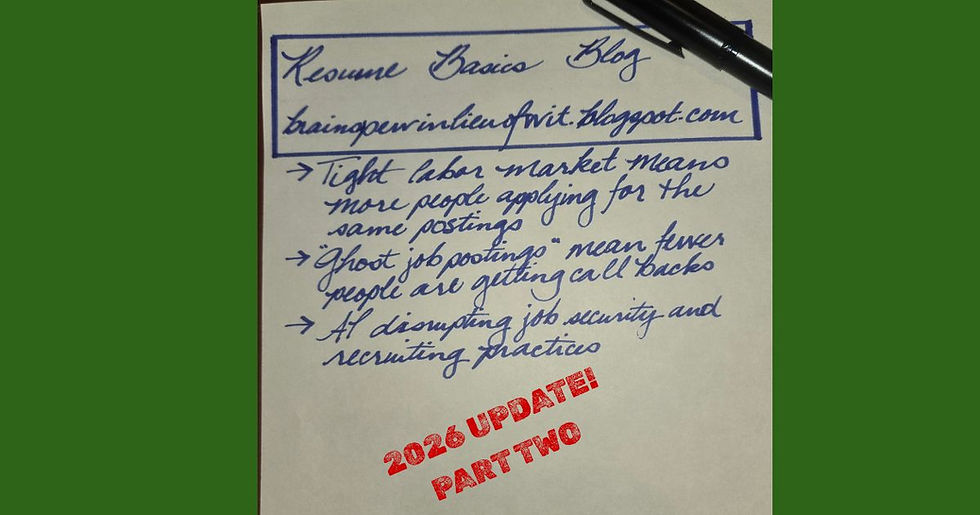
I have divided this into three parts. The first part outlines what categories must be included on your resume. I summarize what should be included in the section and briefly touch on basic formatting. In the second part, I discuss formatting and syntax in detail. This section is particularly important because it provides insight into how to design your resume so that the recruitment software can identify your qualifications and won’t miss vital information. The final part includes optional categories, some of which were once (at least) highly suggested to include but have fallen out of favor for a variety of reasons.
Required Sections
These sections have been standard to include on resumes for as long as they have been in use. They provide your contact information, work experience, skills, and educational achievements. The primary differences in this environment are the kind of information you provide, how it is organized in the document, and what formatting to use.
Heading
The heading provides your name and contact information. I recommend using a title or heading font style for your name and listing your contact information in a traditional business letter structure. Contact information you should provide includes:
Location: Do not include your full address, just the city and state where you live. Resume sites are regularly scraped by bad actors, like scammers, for personal information and you want to protect yourself.
Phone number: While this information can be used for scammers, recruiters need to know how to contact you. If you want to insulate yourself, you can use a virtual phone number that can be forwarded to your personal number or be used on any internet-connected device.
Email address: Many recruiters will contact you by email and will offer to send you details if you reach the interview phases. Recruiters recommend you use an email address that uses your name, like jsmith@email.com or john.smith@email.com.
LinkedIn address: Recruiters increasingly expect applicants to have a LinkedIn account. Your URL should be edited to your name, so it’s easy to find and looks cleaner on your resume. You should keep your profile up to date with work history, skills, and certifications.
Personal website: Many people have personal websites with portfolios, publications, CVs, and other information relevant to their fields. While this is an optional addition, you should include it if you have a relevant personal website.
You can align your contact information to the left, centered, or to the right. I usually center my client’s name, but you can also align it to the side you have your contact information. I usually format the heading as:
Name
City, State
Phone number
Email address
LinkedIn URL
Personal Website URL
Skills
This section highlights your most important and relevant skills to the position you are applying for. I usually start with years of experience in a field or category of skills. For example:
15+ years experience full-charge bookkeeping
10+ years leadership, training, and team management
This formatting emphasizes the amount of time dedicated to building a category of skills or role. It also allows for categorizing skills that were transferrable between roles. “Leadership, training, and team management” may include working as a team leader at a contact center, management in retail, and corporate trainer. This also helps you tailor your resume to specific requirements in a job listing.
The next bullet items are focused on the skills most relevant to the job listing and your field. This includes hard skills, which are technical skills learned through formal education and experience, and soft skills, which are interpersonal and behavioral traits that demonstrate how you work with others and approach challenges. You should use the listing(s) for the position you’re applying for to guide what skills to include.
I also include a bullet item that lists technology you are familiar with using. While some recruiters suggest they don’t want to see “Microsoft Office Suite” listed in this section, I still tend to include it. You can specify proficiencies in particular programs/apps, but I would list those as individual bullets as a hard skill. For example, I would list “Microsoft Office Suite, Google Workspace, QuickBooks, AS400” in the technology bullet point, but “Highly adept in MS Excel and Word” as an individual bullet item.
Work History
Your work history section shows recruiters and hiring managers where you have worked and in what roles, demonstrating how prepared you are for the position you are applying for. Like in other sections, you should use the job posting to tailor what work history you provide and what primary duties you list. Your work history should be listed in reverse chronological order (starting with present or most recent work and progressing backwards), ending no longer than 10 years ago. If you have a job that overlaps the 10-year cutoff but starts earlier, I include the full span of employment.
I usually format the work history section with the most recent job title in bold, with the date right tabbed (instruction links for Word and Google Docs in the formatting section below) in standard font on the same line. The next line is the business name and location in City, State format. Then I list 3-5 most relevant duties and achievements. Achievements should include statistics, such as “Reduced 90+ day outstanding invoices by 70% over 60 days.” A work history entry would look something like:
Team Leader Oct. 2020 – Jan. 2024
ABC Contact Center | Cityville, State
Reduced team’s average call time by 40% over 60 days
Trained and coached team members on call management, knowledge bases, and notetaking in tickets
Assisted Department Head in streamlining tasks and call volume, to include implementing automation software
Education & Certifications
This section focuses on schooling, certifications, and professional continuing education courses. While traditional resume standards recommend including your high school graduation or GED achievement, the most current advice is that you don’t need to list your high school completion date if you have post-secondary education. My advice for whether to include a high school graduation date is: if you had to complete secondary education to receive your degree or certification, you do not need to include it on your resume.
I list certifications, continuing education, and degrees in descending chronological order, in the same way I arrange the work history section. I format each item with the certification listed first and on the same line as the right tabbed graduation/completion date. The next line is the institution or sponsoring corporation of the certification and, if applicable, the campus location. You can add a third line if you have any minors, specializations, or notable achievements during study. An education and certifications section may look like:
C++ Certification Comp. May 2024
Bachelor of Science – Computer Sciences Grad. Dec 2023 State University | Cityville, State
Associate of Science – Computer Sciences Grad. May 2018 County Technical College | Cityville, State
Cum laude
This is the first part of a three part series. This article will be available to the public 10/6/2026. Part 2 will be available for patrons 10/6/2026 and to the public 10/13/2026.


Comments